


Page 256 - Computer_Science_F5
P. 256
Input and output streams
              The tendency of reading and writing data in the C++ programming language is
              controlled by the input and output streams. Input and output streams enable a user to
              interact with the program by displaying output on the screen and getting the user’s  Chapter Four: Object oriented programming with C++
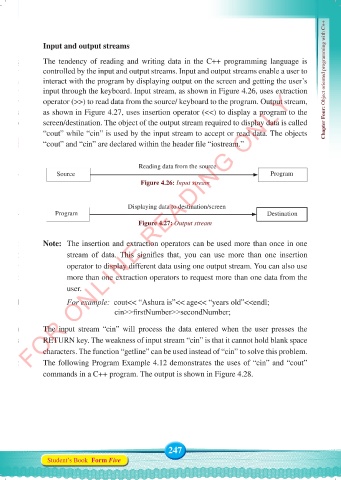
              input through the keyboard. Input stream, as shown in Figure 4.26, uses extraction
          FOR ONLINE READING ONLY
              operator (>>) to read data from the source/ keyboard to the program. Output stream,
              as shown in Figure 4.27, uses insertion operator (<<) to display a program to the
              screen/destination. The object of the output stream required to display data is called
              “cout” while “cin” is used by the input stream to accept or read data. The objects
              “cout” and “cin” are declared within the header file “iostream.”


                                           Reading data from the source
                  Source                                                           Program
                                            Figure 4.26: Input stream


                                        Displaying data to destination/screen
                  Program                                                         Destination
                                           Figure 4.27: Output stream


              Note:   The insertion and extraction operators can be used more than once in one
                     stream  of  data.  This  signifies  that,  you  can  use  more  than  one  insertion
                     operator to display different data using one output stream. You can also use
                     more than one extraction operators to request more than one data from the

                     user.
                     For example:  cout<< “Ashura is”<< age<< “years old”<<endl;
                                    cin>>firstNumber>>secondNumber;

              The input stream “cin” will process the data entered when the user presses  the
              RETURN key. The weakness of input stream “cin” is that it cannot hold blank space
              characters. The function “getline” can be used instead of “cin” to solve this problem.

              The following Program Example 4.12 demonstrates the uses of “cin” and “cout”
              commands in a C++ program. The output is shown in Figure 4.28.


                                                    247
               Student’s Book  Form Five


     Computer Science Form 5.indd   247                                                     23/07/2024   12:33

