


Page 520 - Computer_Science_F5
P. 520
if (mysqli_query($conn, $sql)) {
                     echo “New crop record created successfully<br>”;
                 } else {
                     echo “Error: “. $sql. “<br>” . mysqli_error($conn);
          FOR ONLINE READING ONLY
                 }                                                                                 Chapter Eight: Databases and Database Management Systems


              3. Fetching data from the database

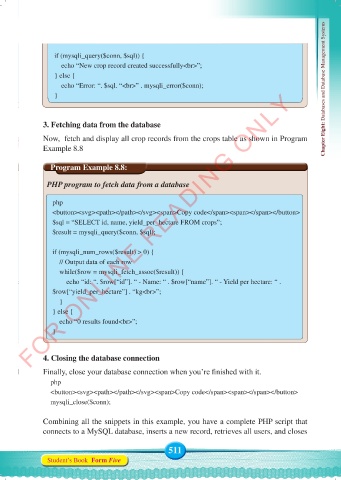
              Now,  fetch and display all crop records from the crops table as shown in Program
              Example 8.8


                Program Example 8.8:

               PHP program to fetch data from a database

                 php
                 <button><svg><path></path></svg><span>Copy code</span><span></span></button>
                 $sql = “SELECT id, name, yield_per_hectare FROM crops”;
                 $result = mysqli_query($conn, $sql);


                 if (mysqli_num_rows($result) > 0) {
                     // Output data of each row
                     while($row = mysqli_fetch_assoc($result)) {
                         echo “id: “. $row[“id”]. “ - Name: “ . $row[“name”]. “ - Yield per hectare: “ .
                 $row[“yield_per_hectare”] . “kg<br>”;
                     }
                 } else {
                     echo “0 results found<br>”;
                 }


              4. Closing the database connection
              Finally, close your database connection when you’re finished with it.
                php
                <button><svg><path></path></svg><span>Copy code</span><span></span></button>
                mysqli_close($conn);


              Combining all the snippets in this example, you have a complete PHP script that
              connects to a MySQL database, inserts a new record, retrieves all users, and closes


                                                    511
               Student’s Book  Form Five


     Computer Science Form 5.indd   511                                                     23/07/2024   12:35

