


Page 523 - Computer_Science_F5
P. 523
Computer Science  Inserting data into the database
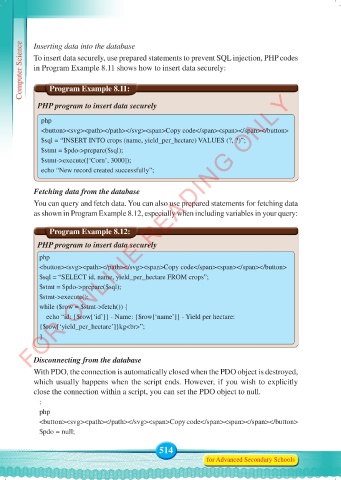
           To insert data securely, use prepared statements to prevent SQL injection, PHP codes
           in Program Example 8.11 shows how to insert data securely:


                   Program Example 8.11:
          FOR ONLINE READING ONLY
            PHP program to insert data securely

             php
             <button><svg><path></path></svg><span>Copy code</span><span></span></button>
             $sql = “INSERT INTO crops (name, yield_per_hectare) VALUES (?, ?)”;
             $stmt = $pdo->prepare($sql);
             $stmt->execute([‘Corn’, 3000]);
             echo “New record created successfully”;


           Fetching data from the database
           You can query and fetch data. You can also use prepared statements for fetching data
           as shown in Program Example 8.12, especially when including variables in your query:


                   Program Example 8.12:
            PHP program to insert data securely

             php
             <button><svg><path></path></svg><span>Copy code</span><span></span></button>
             $sql = “SELECT id, name, yield_per_hectare FROM crops”;
             $stmt = $pdo->prepare($sql);
             $stmt->execute();
             while ($row = $stmt->fetch()) {
                 echo “id: {$row[‘id’]} - Name: {$row[‘name’]} - Yield per hectare:
             {$row[‘yield_per_hectare’]}kg<br>”;
             }


           Disconnecting from the database
           With PDO, the connection is automatically closed when the PDO object is destroyed,
           which usually happens when the script ends. However, if you wish to explicitly
           close the connection within a script, you can set the PDO object to null.
             :
             php
             <button><svg><path></path></svg><span>Copy code</span><span></span></button>
             $pdo = null;

                                                 514
                                                                for Advanced Secondary Schools


     Computer Science Form 5.indd   514                                                     23/07/2024   12:35

