


Page 330 - Computer_Science_F5
P. 330
System.out.print(“Protect environments from e-wastes”);
                    System.out.print(“Java is meant for Object Oriented Programming Design”);

              However, you can also use the println() method to print numbers. Unlike text, double
              quotes are not needed for numbers. For example, you can demonstrate the println()    Chapter Five: Object oriented programming with Java
          FOR ONLINE READING ONLY
              method for numbers as follows:
                   System.out.println(116);
                   System.out.println(985); and
                   System.out.println(5 + 6);

              (c) Java comments
              The  java comments are statements that are not executed by the compiler  and
              interpreter. The comments can be used to provide information or explanation about
              the variable, method, class or any statement. It can also be used to hide program
              code for specific time. There are 3 types of comments in java, namely: single line
              comment, multi line comment, and documentation comment
              (i)  Java single line comment
                   A single line comment is used to comment only one line. A single-line comment
                   begins with a
                    // and ends at the end of the line. For example “//This is a comment”
              (ii)  Java multi line comment
                   A multi-line comment in Java starts with /* and ends with */. Anything between
                   these symbols is ignored by the compiler. This type of comment can span several
                   lines. For example, /* This is a comment that is multi line. The comments may
                   have several lines*/
              (iii)  Java documentation comment
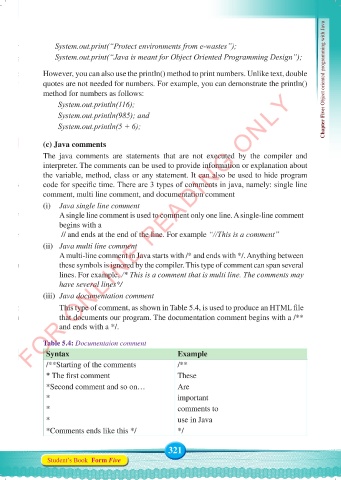
                   This type of comment, as shown in Table 5.4, is used to produce an HTML file
                   that documents our program. The documentation comment begins with a /**
                   and ends with a */.

              Table 5.4: Documentaion comment
               Syntax                                  Example
               /**Starting of the comments             /**
               * The first comment                     These
               *Second comment and so on…              Are
               *                                       important
               *                                       comments to
               *                                       use in Java
               *Comments ends like this */             */


                                                    321
               Student’s Book  Form Five


     Computer Science Form 5.indd   321                                                     23/07/2024   12:34

