


Page 238 - Computer_Science_F5
P. 238
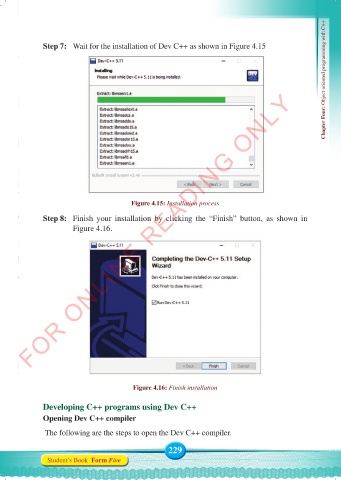
Step 7:  Wait for the installation of Dev C++ as shown in Figure 4.15                Chapter Four: Object oriented programming with C++


          FOR ONLINE READING ONLY


                                         Figure 4.15: Installation process
              Step 8:   Finish your installation by clicking the “Finish” button, as shown in
                       Figure 4.16.


                                         Figure 4.16: Finish installation


              Developing C++ programs using Dev C++
              Opening Dev C++ compiler

               The following are the steps to open the Dev C++ compiler.

                                                    229
               Student’s Book  Form Five


     Computer Science Form 5.indd   229                                                     23/07/2024   12:33

